
Member01
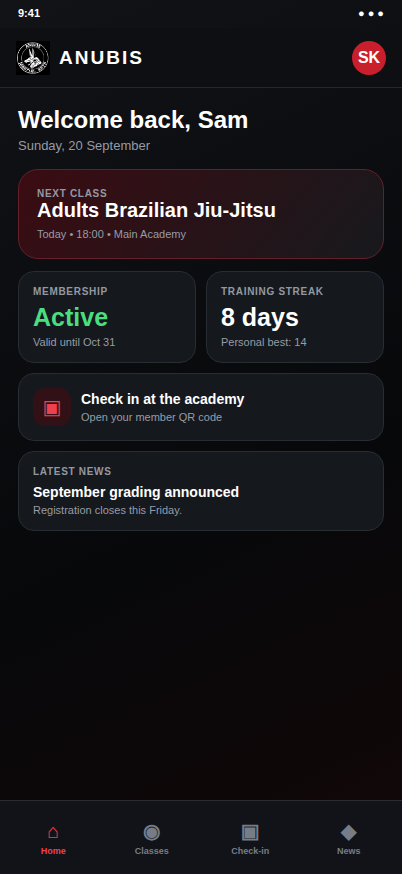
Member home
At-a-glance training, membership and academy updates.
 Martial arts academy platform
A modern martial arts academy platform for members, coaches and administrators—from schedules and check-ins to memberships and academy operations.

01Why it was made
A martial arts academy runs on rhythm: classes at set times, members who train several days a week, coaches who need to know who is on the mat, and administrators who keep memberships and payments in order.
At Anubis, that rhythm was spread across scattered schedules and manual attendance. Members had to look in different places to find out when to train, and staff had to piece together who attended and who was current.
The goal was simple to state: give members and staff one place where the academy's schedule, attendance and memberships live together.
02Problems to solve
03The solution
A schedule published in the console is what members open on their phones. A QR check-in at the door becomes attendance in the overview. Membership status is the same record for the member and the administrator.
04Brand identity

#0E0F13Mat blackApp background. Matches the crest's black field so the logo sits naturally in the header.
#15181DCard graphiteRaised surfaces for membership, streak, check-in and news cards.
#F3F5F1Crest whitePrimary text and the logo mark itself: high contrast for reading at the academy door.
#CE262CSignal redThe single accent: next class, active tab, check-in action and the member avatar.
#4ADE80Status greenReserved for positive state, such as an active membership.
Interface colours sampled from the supplied product screens, not an official brand specification.
Headlines and chapter titles
Geometric and compact at large sizes, so chapter titles read as clear signposts through a long story.
Explanations and captions
Neutral, open letterforms keep longer explanations comfortable to read on phones and desktops.
INDEXES, ROLES, VALUES
Fixed-width figures for screen numbers, roles and colour values, echoing the data in the product itself.
These three families are the FairSmith presentation fonts used to tell this case study. They are not presented as Anubis's official app or logo typefaces, which are not documented here. The logo lettering is shown only as supplied artwork.
05Application screens
Twelve real screens: eight from the member app and four from the academy console, shown with sanitized sample data.
08 views / Member
At-a-glance training, membership and academy updates.
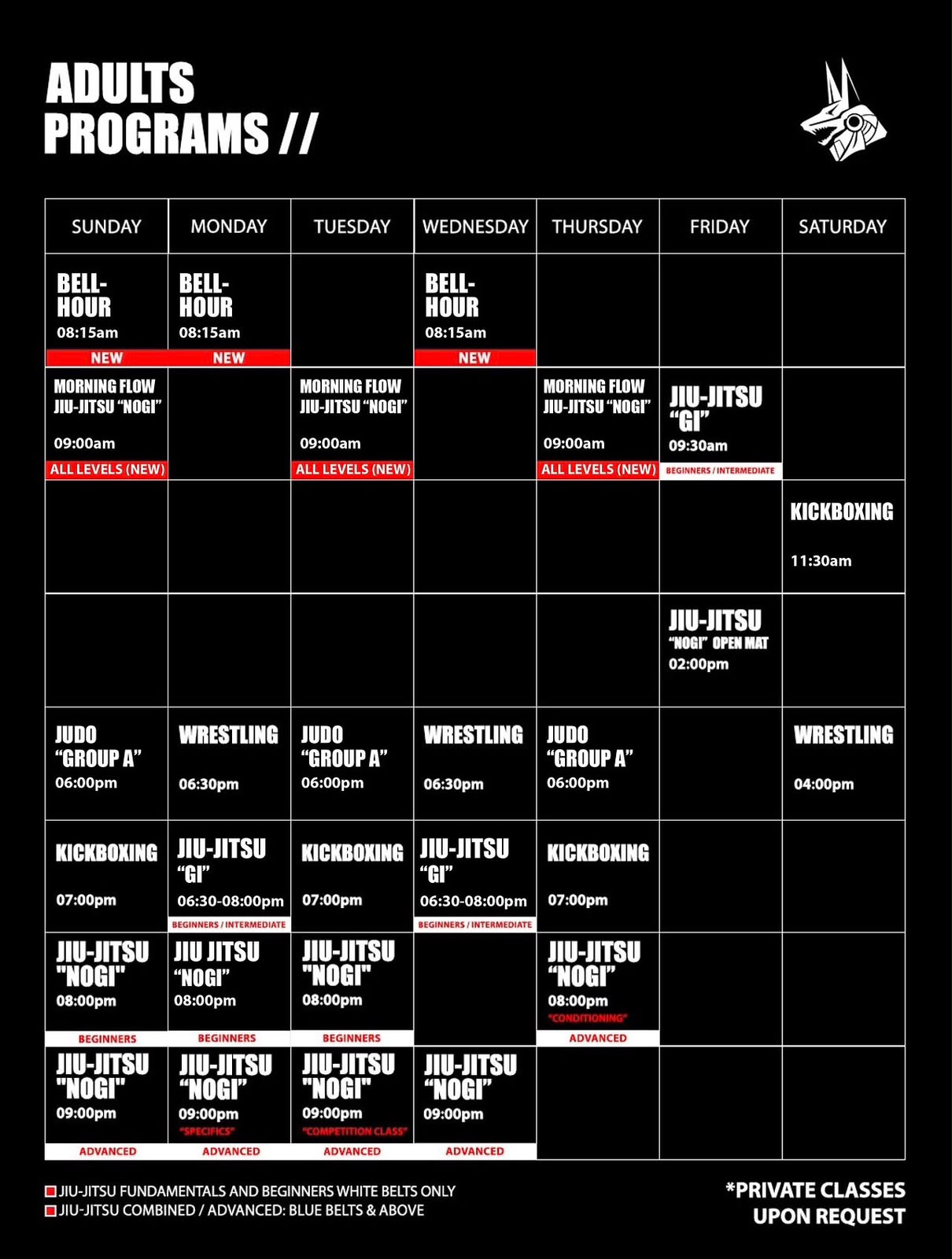
Weekly adults programs, training times, and skill levels in one view.
View full screen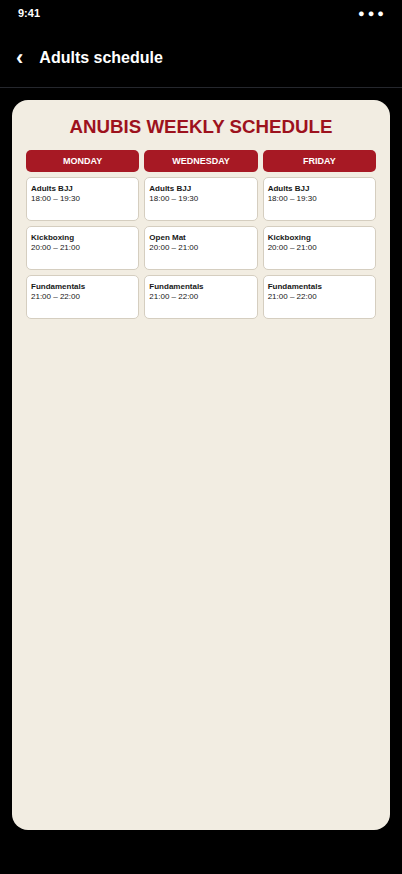
Tap-to-open schedule with focused full-screen viewing.
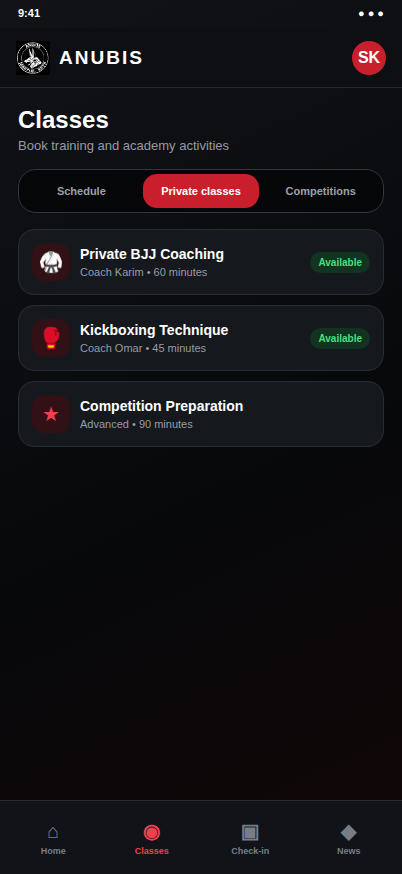
Browse coaches and request private training.
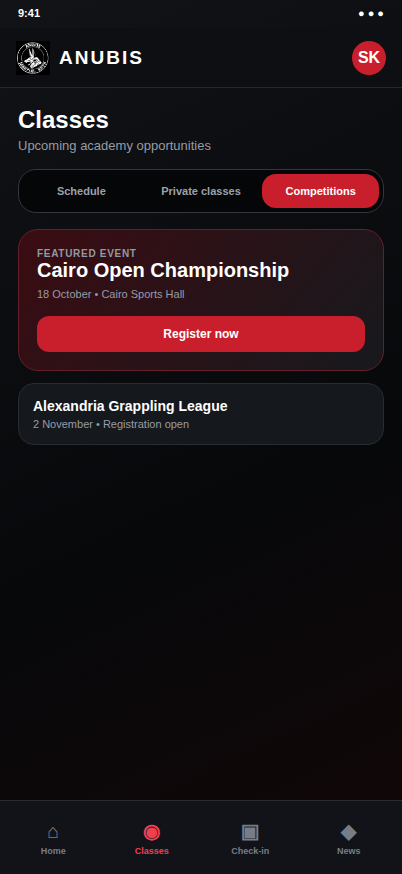
Discover events and register from the app.
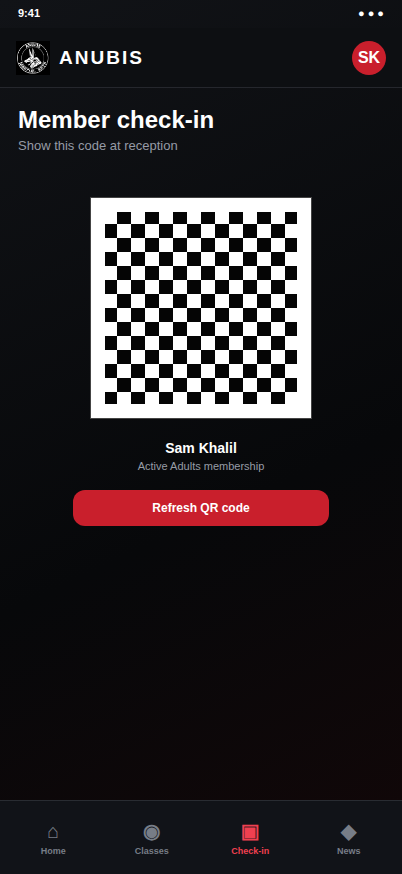
Fast attendance check-in using the member QR code.
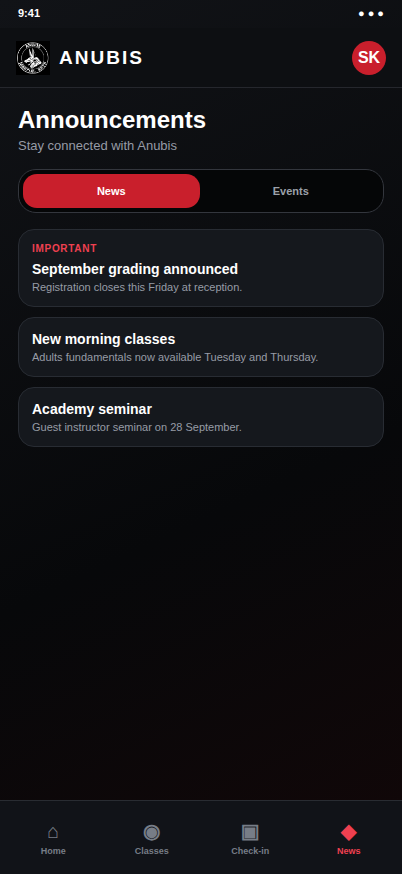
Academy announcements, camps and seminars.
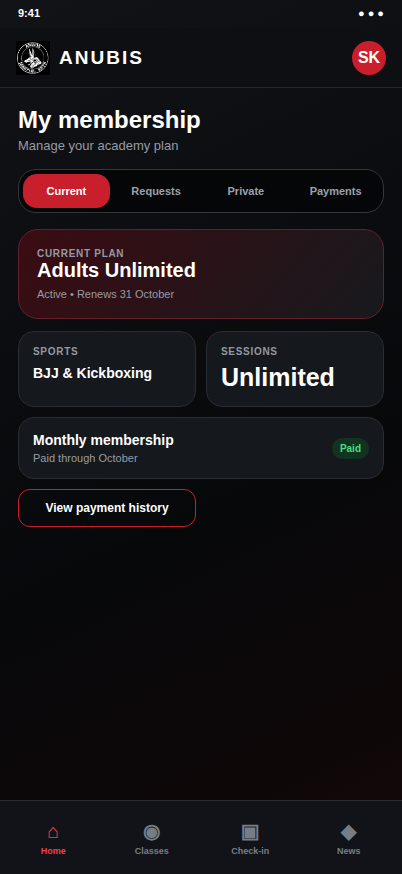
Current plan, requests, private sessions and payments.
04 views / Admin
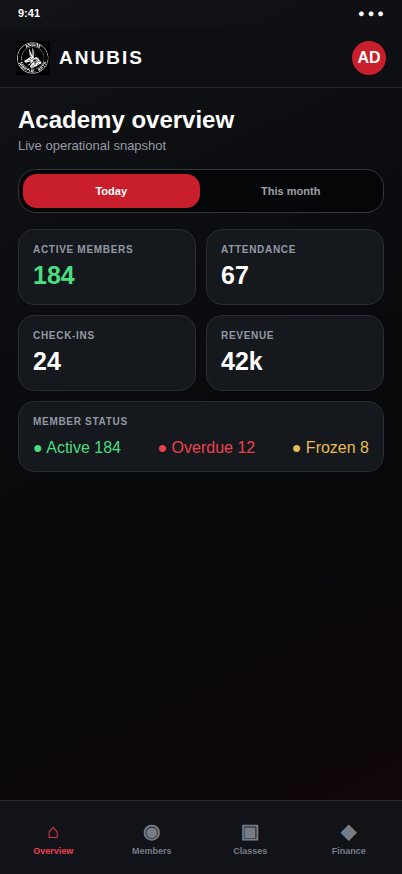
Live attendance, member status and revenue indicators.
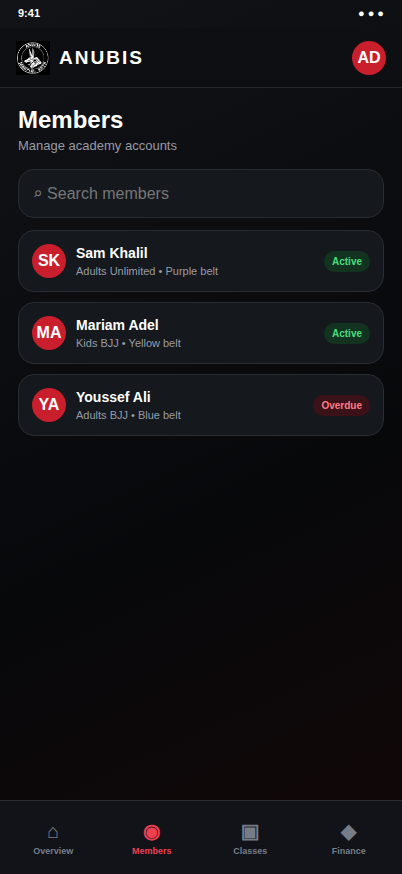
Search members and review membership status.
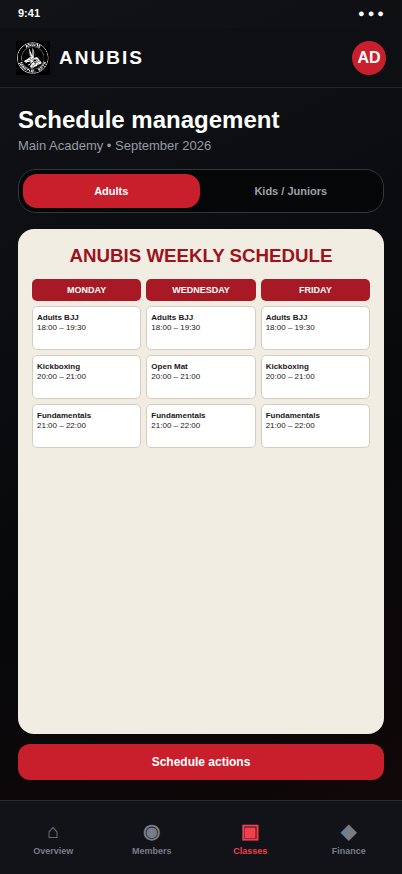
Publish Adults and Kids / Juniors schedules independently.
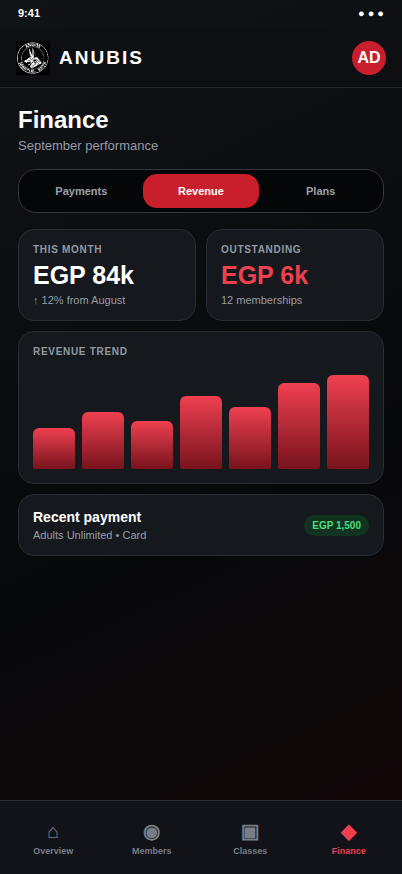
Review payments and monthly academy performance.
Portfolio demonstration using sanitized sample data. No production information is included.